
Tradesea Setup Guide
Follow the steps below to log in to Tradesea and connect your Lucid Trading Rithmic account.
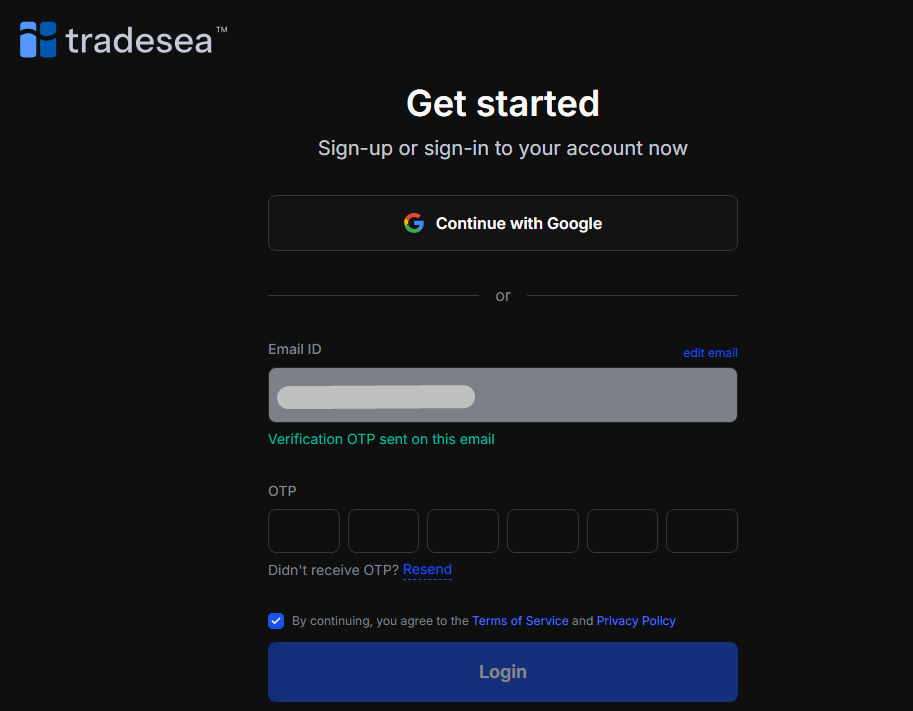
Logging into Tradesea is easy — use your Gmail account or sign in with your email and verify using the OTP sent to your inbox.
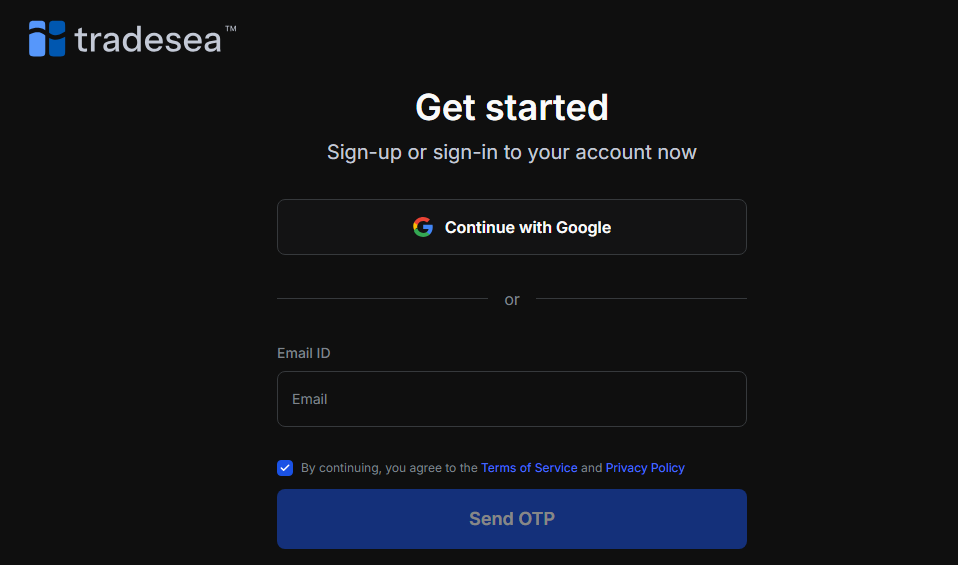
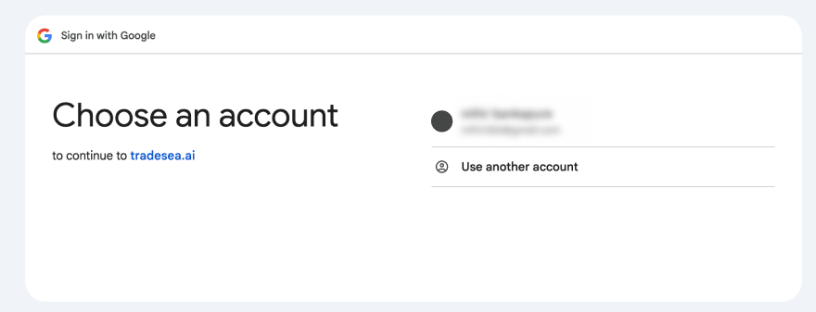
Click Continue with Google and sign in with your Google account.
If you chose email, check your inbox for a one-time password (OTP) sent by Tradesea.
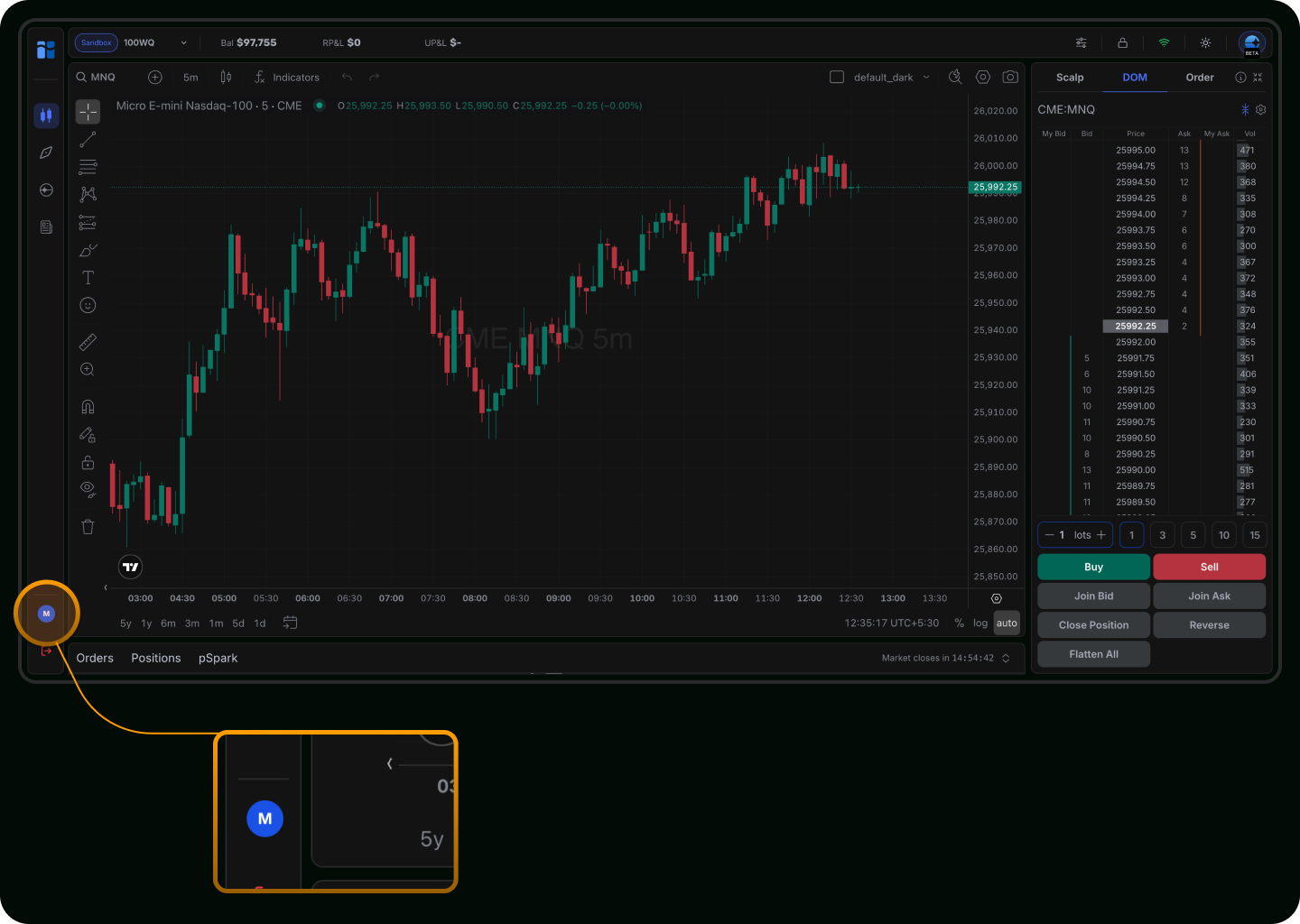
After verification, you’ll be directed to your station dashboard and can begin using the platform.
To start trading, connect your Lucid Trading Rithmic account using the login credentials found on your Trader Dashboard. This one-time setup securely links your trading platform to your Lucid account, enabling order execution, live market data, and real-time updates of balances, positions, and risk limits.
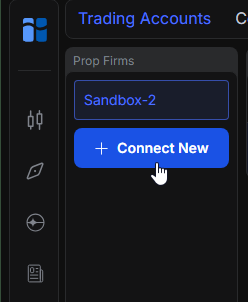
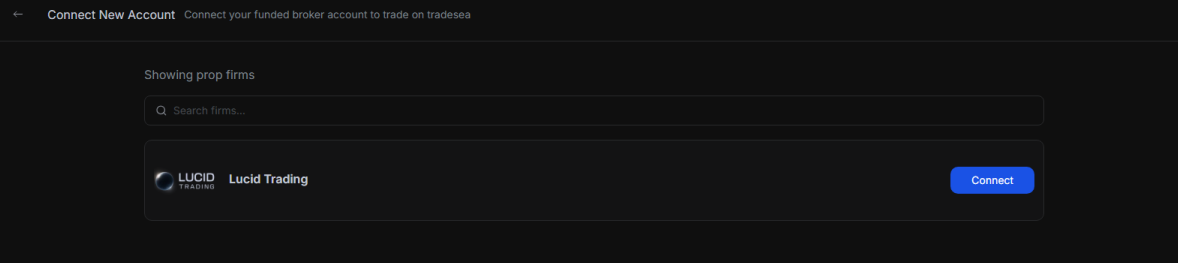
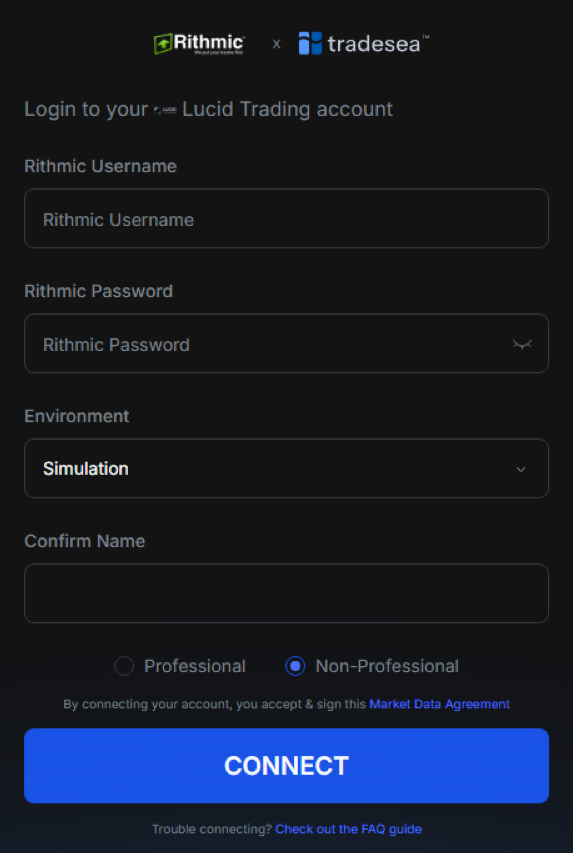
Once connection is successful, you’ll be redirected to the account center where you can verify all your linked accounts.

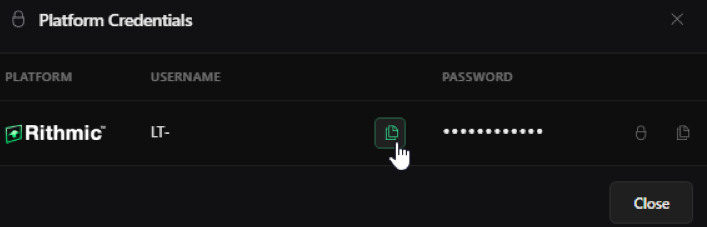
Visit your Lucid Trader Dashboard and click "Show Credentials" in the top right of the Account Summary page.
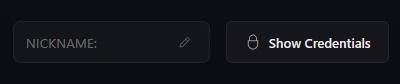
Use the copy feature from the Lucid Dashboard and CTRL + V to paste into Tradesea.
- Re-open the Account Center and confirm the status is Connected.
- Refresh the platform and open Station again.
- If there is an Account selector, click it and select the correct account.
Visit TradeSea
Platform information, features, and getting started.
tradesea.aiHelp Center & FAQ
Setup guides, troubleshooting, and platform documentation.
help.tradesea.aiDiscord Community
Live support, discussions, and feature requests.
Join DiscordSupport Email
Reach the support team directly at [email protected]